The Human in the Machine
Part One: Kicking Off the Project with AI
I had been wanting to build a small PDF processing tool to solve some real-world problems, but the range of technologies involved made it hard to finish in any reasonable amount of time. Recently, I decided to try using GPT as an assistant. My Python had gotten rusty — I wasn't familiar with PyQt or PyPDF anymore. So I turned to AI to fill the gaps. ChatGPT in particular gave me a running start, helping me quickly produce the interface and basic functionality.
In the early stages, AI's role was mainly to suggest code and solve specific problems. I asked it how to build a UI with PyQt — it gave me detailed steps and working examples, which simplified the process enormously. For PDF processing, I described the features I wanted — like searching for and removing watermarks — and AI generated the relevant code snippets. These became the foundation of the project.
At this stage, AI's capabilities were genuinely impressive. As long as I described the menu bar, toolbar, buttons, and features in detail, it could output the entire interface code in one shot, essentially error-free. To push it further, I added a requirement for real-time Chinese-English interface translation. AI handled that too, quickly and accurately.
Part Two: Where AI Falls Short — And Where Human Creativity Matters
But I also discovered AI's limitations. Its knowledge is built on pre-trained data. When facing genuinely novel problems, it can't always deliver. In our project, the watermark removal methods AI suggested were based on existing techniques — but they didn't get to the core of the problem.
Here's what happened: most solutions online use the pypdf2 package, which hasn't been maintained since 2016. AI didn't flag this. It just reproduced the stale approach from the internet, unable to break through the known-but-imperfect methods. I searched myself, replaced pypdf2 with pypdf, and asked AI to regenerate the code — that part went smoothly. But for the core feature — watermark removal — no matter how I prompted it, AI could only offer existing solutions. It couldn't invent a new one.
The real breakthrough came from human thinking. I realized that simply deleting objects or changing background colors wouldn't effectively remove watermarks. Instead, I had AI list every element in the PDF file, then I spotted a new pattern myself: identify the elements that repeat across pages — those are the watermarks — and delete them. This approach directly targeted the repeated watermark elements rather than relying on surface-level image processing. The insight came entirely from human creativity, not from AI's data-driven responses.
Part Three: AI as a Debugging Partner
Despite its limitations in innovation, AI excelled at finding and fixing programming errors. Throughout development, I ran into all kinds of bugs. Each time, I described the error to AI, and it usually identified the likely cause and suggested a fix. This instant feedback helped me resolve issues quickly in most cases.
But here too, there were limits. When problems involved complex logic or design decisions, AI's answers sometimes felt shallow. In those moments, I had to rely on my own analysis. Another reminder: for complex problems, the human brain is still essential.
Part Four: Going Deeper with AI Assistance
As the project progressed, I explored more complex features — fine-tuning the PyQt interface, optimizing the PDF algorithms. AI's help remained indispensable throughout. Whenever I had questions about improving the UI or optimizing an algorithm, AI offered useful suggestions and code fragments. This ongoing support accelerated development and let me focus on higher-level design.
Part Five: AI as a Research Tool
Another area where AI shone was finding tools and resources. Whether I needed a specific Python library, wanted to learn how it worked, or was looking for a solution to a particular problem, AI delivered answers fast. It often suggested multiple approaches, giving me flexibility. In the final stages, with AI's guidance, I packaged the application as executables for both Windows and Linux and set up automated releases via GitHub Actions.
Conclusion: The Synergy Between Human and Machine
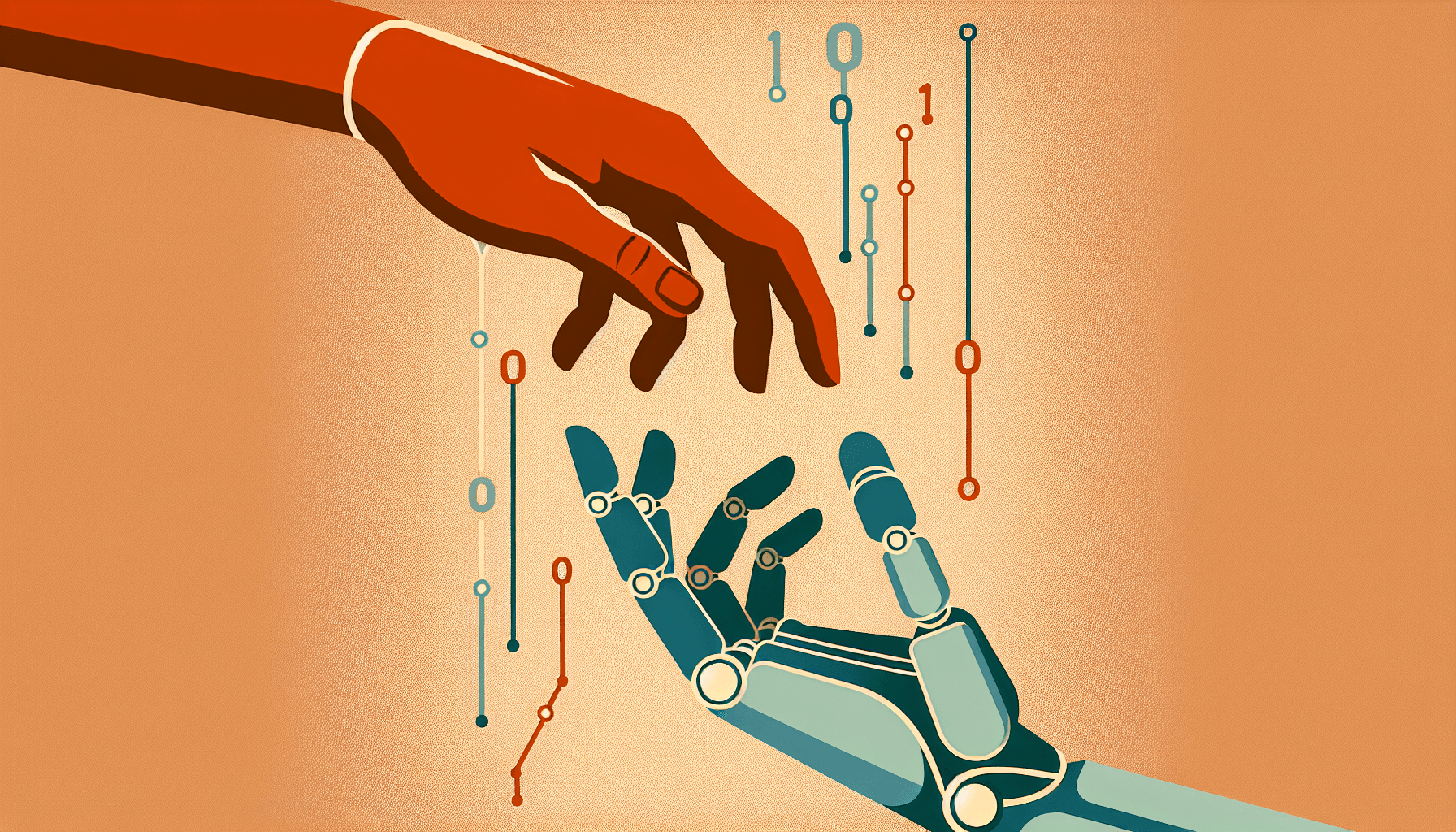
This small project taught me something important about the partnership between human thinking and AI. AI is a powerful tool — it accelerates development, provides rich resources, and offers strong technical support. But real innovation and the core solutions to hard problems still depend on human creativity and reasoning. The combination of human imagination and AI's computational power will open up extraordinary possibilities.
Project repository: https://github.com/weizy0219/pdfer